

So you work on a Mac, and you’ve started wondering whether SEO software for Mac is its own little world, separate from what Windows users get. Good news: it really isn’t. Most SEO platforms run in your browser, so they work the same on a MacBook as anywhere else. There’s also a smaller group of native macOS apps, with Screaming Frog SEO Spider at the front, that install on your machine and crawl websites locally.
In this guide, I’ll walk you through how SEO software for Mac actually works and when a cloud tool makes more sense than a desktop crawler. I’ll also show you which paid and free tools are worth your money for keyword research, technical audits, rank tracking and backlink analysis. Along the way, you’ll find checked 2026 pricing, a way to run Windows-only tools if you ever need one, what to know about hardware, and a simple stack that won’t have you paying twice for the same thing.
Does SEO Software Work on a Mac?
It does, and you’re not giving anything up. When people go looking for SEO software for Mac, the fear behind the search is usually that the good tools are Windows-only. Today, the tools you’ll use fall into two groups, and knowing which group a tool belongs to tells you whether your operating system matters at all.
Cloud-Based SEO Platforms
Semrush, Ahrefs, SE Ranking, Moz Pro and Surfer SEO all run on the vendor’s servers. You open them in Safari or Chrome, log in, and the data processing happens on their end. There’s nothing to install, and your projects are waiting for you whenever you log in from any device. Since your laptop isn’t doing the heavy lifting, the type of Mac you own doesn’t change how these tools work.
Native macOS Desktop Apps
This is where macOS compatibility actually becomes a question. Screaming Frog, Sitebulb, SEO PowerSuite, Netpeak Spider and a handful of Mac-only crawlers install like any other app and run on your own hardware. So before you download one, take a minute to read its system requirements, because some need a recent version of macOS. Screaming Frog has supported Apple Silicon for years: a native version for M1 and M2 Macs arrived with version 17.0.
Cloud vs Desktop SEO Software: Which One Fits Your Workflow?
The question you really need to answer isn’t “Mac or Windows?” It’s “cloud or local?” Each one is good at different things, so plenty of people use both.
A local crawler works with your Mac’s memory and storage. Your crawl data stays on your machine, which is good for data privacy. SEO PowerSuite, for example, installs on Windows, macOS and Linux and processes all of its data locally on your device. The trade-off is that your crawl history sits on that one Mac, and a crawl can only run while the Mac is on. Cloud tools work the other way around. The vendor’s servers do the work and your data lives in your account, but you pay a subscription and stay within plan limits.
| Factor | Cloud SEO platforms | Native Mac desktop apps |
| Where processing happens | Vendor servers | Your Mac’s CPU, memory and SSD |
| Installation | None, runs in a browser | Install the macOS app |
| Where data lives | In your online account | On your Mac |
| Running crawls | On the vendor’s servers | Mac must be on |
| Main limits | Caps on projects, keywords or credits | Hardware, plus URL caps on free tiers |
| Pricing model | Monthly or annual subscription | Free tier, yearly license, subscription or one-off purchase |
| Best for | Keyword research, competitor analysis, rank tracking | Technical audits, migrations, internal linking |
If you want a simple rule, here it is: do your technical crawls locally, and leave tracking and research to the cloud.
Best SEO Software for Mac at a Glance
Before we dig into each tool, here’s a side-by-side look at the SEO software for Mac covered in this guide. All prices are entry-level plans checked in 2026. Vendors change prices often, so please double-check before you pay.
| Tool | Type | Entry price (2026) | Best for |
| Screaming Frog SEO Spider | Native Mac app | Free up to 500 URLs; £199/year (about $279) | Technical audits |
| Sitebulb | Native Mac app | 14-day trial; desktop from about 18/month | Client-ready audit reports |
| SEO PowerSuite | Native Mac app | Free version; Professional $299 | Desktop all-in-one |
| Netpeak Spider | Native Mac app | Subscription | Desktop crawling |
| Scrutiny / Integrity | Native Mac app | Integrity free; Scrutiny $149 one-off | Link checking and site checks |
| Semrush | Cloud | $139.95/month (Pro) | One platform for many jobs |
| Ahrefs | Cloud | $29/month (Starter), $129/month (Lite) | Backlink data |
| SE Ranking | Cloud | About 65/month (Essential) | Lower-cost all-in-one |
| Moz Pro | Cloud | $49/month (Starter) | Domain Authority and SEO metrics |
| Serpstat | Cloud | $59/month (Individual) | All-round research |
| Mangools | Cloud | $29/month (Entry) | Beginners and solo site owners |
| Surfer SEO | Cloud | 79 billed annually) | Content optimization |
| Google Search Console | Cloud | Free | First-party Google data |
Best Native Mac Apps for Technical SEO Audits
Want software that truly lives on your Mac? These are the ones to look at first. They’re made for site audits, website migrations and digging up the technical problems that hold a site back.
Screaming Frog SEO Spider
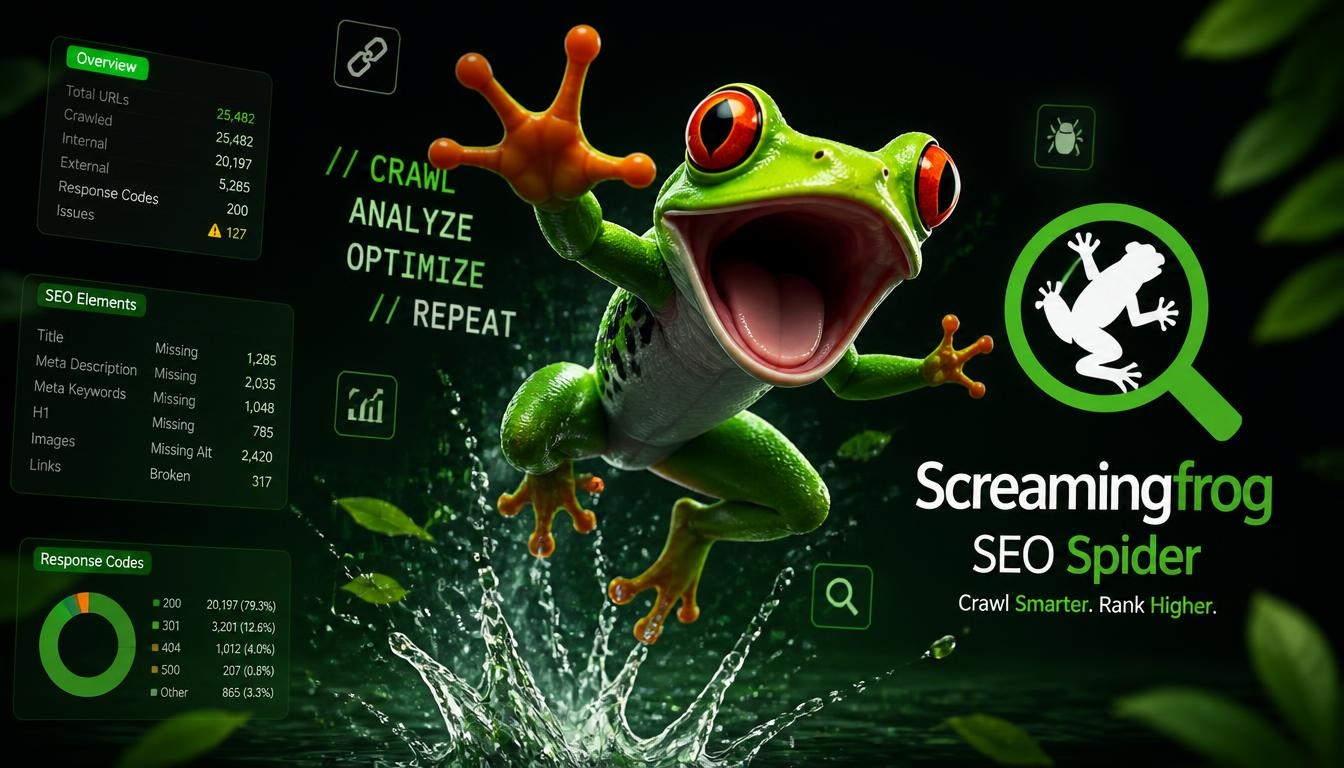
If there’s one piece of SEO software for Mac that almost every SEO knows, it’s this one. Screaming Frog is the SEO crawler for Mac most professionals start with. It audits your site for over 300 SEO issues to help improve both SEO and user experience. You can crawl 500 URLs for free, or buy a £199-per-year license (about $279 per user per year in the US) that removes the limit and unlocks advanced features, including unlimited crawling and integrations with Google Analytics, Google Search Console and PageSpeed Insights.
So what does it actually catch? It finds broken links, duplicate content and missing metadata, supports JavaScript rendering, and checks hreflang, canonicals and orphan pages. That’s exactly what you need before a migration or an internal linking cleanup. If you also care about how bots spend your crawl budget, Screaming Frog has a separate tool for that. The Log File Analyser runs on Windows, macOS and Linux. Its free version is limited to 1,000 log events and one saved project at a time, and a £99-per-year license removes the limit.
Sitebulb
Sitebulb is a good fit if you hand audits to clients. It’s aimed at SEO consultants and agencies, and it’s known for visual reports and priority hints. On a Mac, it needs at least 4GB of free RAM (8GB recommended) and a 64-bit version of macOS Sonoma or later. There’s a 14-day free trial, and the desktop Lite plan costs about $13.50 to $18 a month, depending on how you’re billed. If you’d rather not crawl from your laptop, Sitebulb also has a Cloud version that starts at £95 a month.
SEO PowerSuite
SEO PowerSuite is really four tools in one box: Rank Tracker, WebSite Auditor, SEO SpyGlass and LinkAssistant. Between them, you’ve got rank tracking, website auditing, backlink analysis and link outreach covered. The free version includes all four tools with unlimited keyword tracking. Paid plans are listed at $299 for Pro and $699 for Enterprise. It’s a universal Java app, so it works the same way across platforms.
SEO Tracer, Netpeak Spider, Integrity and Scrutiny
SEO Tracer is a lightweight crawler for Apple devices. It’s optimized for macOS and helps you spot broken links and check meta tags. On the App Store, it’s free for up to 500 pages, and it needs macOS 15.6 or later.
Netpeak Spider used to be Windows-only. After a beta in November 2023, the macOS version reached its first full release, v1.0. One license works on both Windows and macOS, so you don’t have to buy it twice. It needs macOS 13.5 or later and runs on both Intel and ARM processors. Keep in mind that pricing is monthly.
Integrity and Scrutiny are Mac-only tools from PeacockMedia that focus on link checking and site structure. Integrity is free, ships as one download for both Intel and M1 Macs, and requires macOS 11.5 or higher. When you outgrow it, Scrutiny costs $149 as a one-off purchase, and you can use it free for 30 days with only exporting disabled. No monthly bill, which is a nice change.
Best Cloud-Based All-in-One SEO Suites for Mac
None of these are Mac apps, but because they run in your browser, they work perfectly as SEO software for Mac. This is where most of your competitor research, keyword work and day-to-day tracking will happen.
Semrush
Think of Semrush as the “one platform for many jobs” option, since it brings many SEO tasks together in one place. Pro costs 117.33 a month billed annually), Guru costs 208.33 a month billed annually), and Business costs 416.66 a month billed annually). Annual billing saves 17% on every plan. Before you settle on Pro, check whether it’s enough for you. It covers 5 projects and 500 tracked keywords, and content tools and historical data are only available on Guru and above.
Ahrefs
Ahrefs is the tool people reach for when backlinks matter most. Lite costs $129 a month and includes 5 projects and 750 tracked keywords. If that’s too much, the $29 Starter plan, launched in January 2026, is far cheaper, but it’s limited to 1 project and 100 keywords. And if you just want to see your own site’s data for free, Ahrefs Free gives you limited access to Site Explorer and Site Audit. One thing that catches teams off guard is that extra user seats cost $40 to $80 a month each.
SE Ranking
If Semrush and Ahrefs feel too expensive, SE Ranking is worth a look. Its core tools include a rank tracker, website audit, competitive and keyword research, and a backlink checker and monitor, and it offers white-label reporting. The Essential plan costs about $59 to $65 a month, or roughly $47 to $52 a month billed annually, and includes 5 projects and 500 keywords tracked daily.
Moz Pro
Moz Pro is the home of a metric you’ve probably seen everywhere. Domain Authority (DA) was created by Moz to estimate how a site could rank relative to others, and it isn’t part of PageRank or Google’s ranking factors. The Starter plan costs $49 a month, or $39 a month billed annually, and covers 1 campaign and 50 tracked keywords. There’s no permanent free plan, but you can try Moz Pro free for 30 days.
Serpstat and Mangools
Serpstat covers keyword research, competitor analysis, rank tracking, site audits and backlink analysis. It starts at $59 a month on the Individual plan, with a 7-day free trial.
Mangools is a friendly pick for beginners. Its interface is intuitive enough that you can be productive on day one. On the downside, its backlink index is much smaller than Semrush’s or Ahrefs’, and the daily search limits on the Entry plan can feel restrictive. The Entry plan costs $29 a month in the US, and you don’t need a card to start, since Mangools offers Free and Free+ plans.
Keyword Research Tools That Work on a Mac
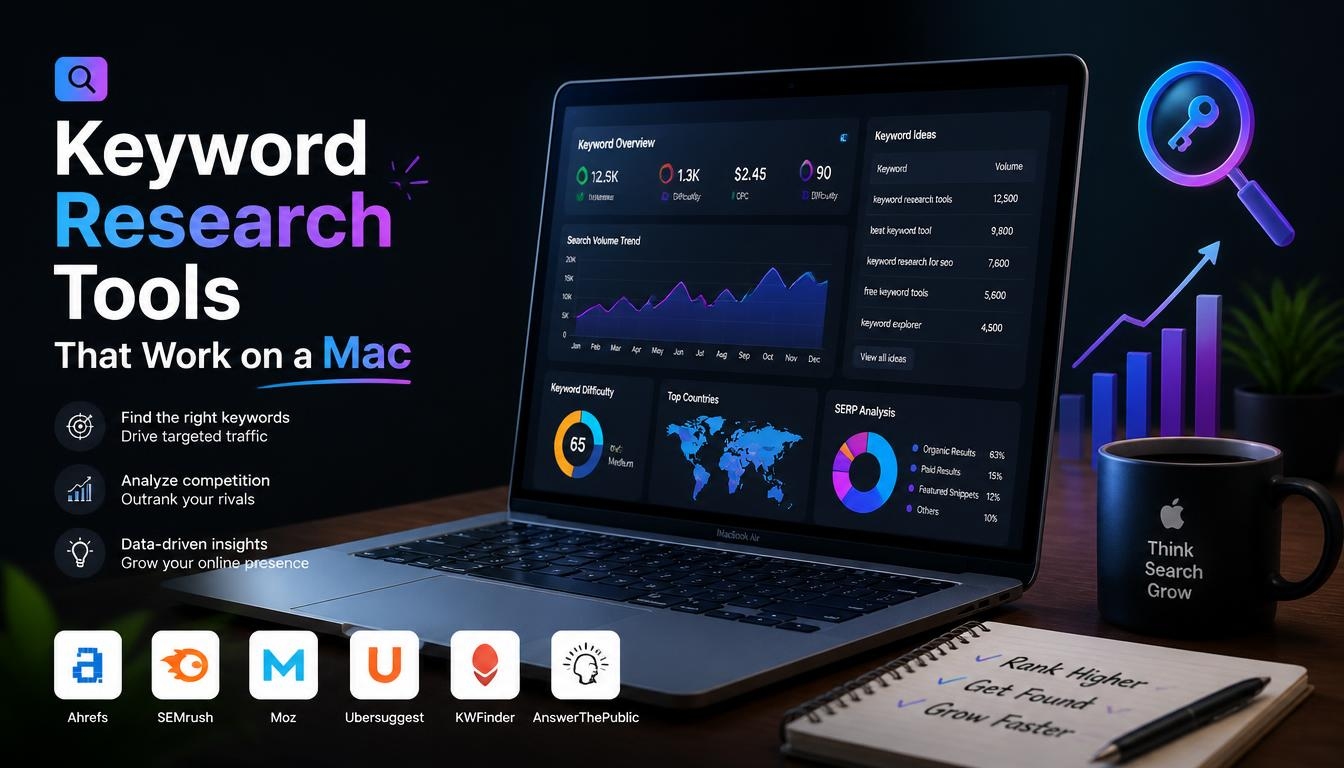
Every keyword tool here runs in a browser, so they all count as SEO software for Mac. Google Keyword Planner costs nothing to use. You don’t have to run ads or spend money to access it, but active ad spend unlocks more precise data. Without spend, you’ll mostly see volume ranges instead of exact numbers. Google Trends is great for finding trending keywords, seasonality and local variations.
For fresh ideas, AnswerThePublic automatically sorts keywords into questions, prepositions, comparisons, alphabeticals and numbers. Keywords Everywhere is a freemium browser add-on that shows monthly search volume, CPC and competition data on more than 15 websites, including Google, YouTube, Amazon and Google Search Console. Bing is easy to forget, too. Bing Webmaster Tools is free, and you can use it to monitor your Bing performance, scan your site for SEO issues, research keywords and analyze your backlinks. Don’t skip the query report in Search Console either. It shows the terms you already get impressions for.
Content Optimization and On-Page SEO Tools
Surfer SEO is built for content optimization. The Essential plan costs $99 a month, or $79 a month billed annually, and includes 30 articles a month. There’s no permanent free plan, but you can try it free for 7 days. Clearscope is another content optimization option. Its cheapest plan, Essentials, costs $129 a month with no annual discount. If you’re on WordPress, plugins like Yoast SEO and Rank Math are common choices for on-page basics.
A word of warning, though. A high content score doesn’t guarantee that a page says anything new. Use these tools to check your draft, not to write it.
Rank Tracking and Backlink Analysis Tools
For rank tracking, Semrush and SE Ranking have it built in, and SEO PowerSuite’s Rank Tracker runs on your own Mac. If you want a dedicated tracker, AccuRanker delivers daily keyword updates so you can catch ranking drops early. Just know that it’s a pure rank tracker with no backlink index or site audit, so full-service SEO work still needs a second tool.
For backlinks, Ahrefs and Semrush are the big names. Majestic is another option, though it’s better suited to experienced SEOs than to beginners. Tools like these show you referring domains and the link gaps between you and your competitors, so you know where your next links should come from.
Local SEO Tools for Mac Users
Working with local businesses? These tools all run in your browser:
- Google Business Profile is the listing that powers your presence in Google’s local results.
- BrightLocal covers rank tracking, citation monitoring, Google Business Profile auditing, on-site SEO auditing and review monitoring, with pricing from $39 a month and a 14-day free trial.
- Semrush Local adds listing management for $20 a month per location.
- Whitespark offers a Local Citation Finder that uncovers new citation opportunities based on the citations your top-ranked competitors already have.
Best Free SEO Software for Mac (and Where Free Tiers Stop)
You’d be surprised how far free tools can take you. Google Search Console and Bing Webmaster Tools both offer free tools and reports for their own search engines. Add Screaming Frog’s free crawler, Ahrefs Free for your own site, Integrity for link checks, SEO PowerSuite’s free version and Mangools’ free plans. Put together, that’s genuinely capable free SEO software for Mac.
Still, every free tier has a ceiling, and it’s better to know where it is before you hit it:
- Screaming Frog’s free version stops at 500 URLs, so bigger sites need the paid license.
- Ahrefs Free only covers your own site, so you’ll need a paid plan for competitor research.
- Keyword Planner shows volume ranges unless you have active ad spend.
- Search Console hides a lot of queries for privacy. Anonymized queries are those that aren’t searched by more than a few dozen users over a two- to three-month period, and they add up fast. In one study, anonymized queries made up 46.77% of website traffic in April 2025.
Using AI to Analyze Your SEO Data on a Mac
The weakest part of any free setup is the analysis. Your tools hand you exports, but they don’t tell you what to do next. You can share a Search Console export with an AI assistant like Claude or ChatGPT and ask questions about it, such as which queries are close to page one or which pages are losing clicks. Always check what the AI says against your real numbers before you act on it.
How to Run Windows-Only SEO Tools on a Mac
Most people never need this. But if there’s one Windows-only program you can’t live without, you have two clean options. The first is Parallels Desktop. It runs the Arm version of Windows 11 in a virtual machine on supported Apple Silicon Macs, and Microsoft has authorized this setup for Windows 11 Pro and Enterprise. You’ll still need your own Windows license.
The second option is to rent a Windows VPS and connect to it from your Mac. Microsoft’s Windows App for Mac, previously called Microsoft Remote Desktop, lets you connect securely to remote Windows PCs. Before you go down either road, though, check whether existing SEO software for Mac already does the job.
Mac Hardware for SEO: Apple Silicon, RAM and Large Crawls
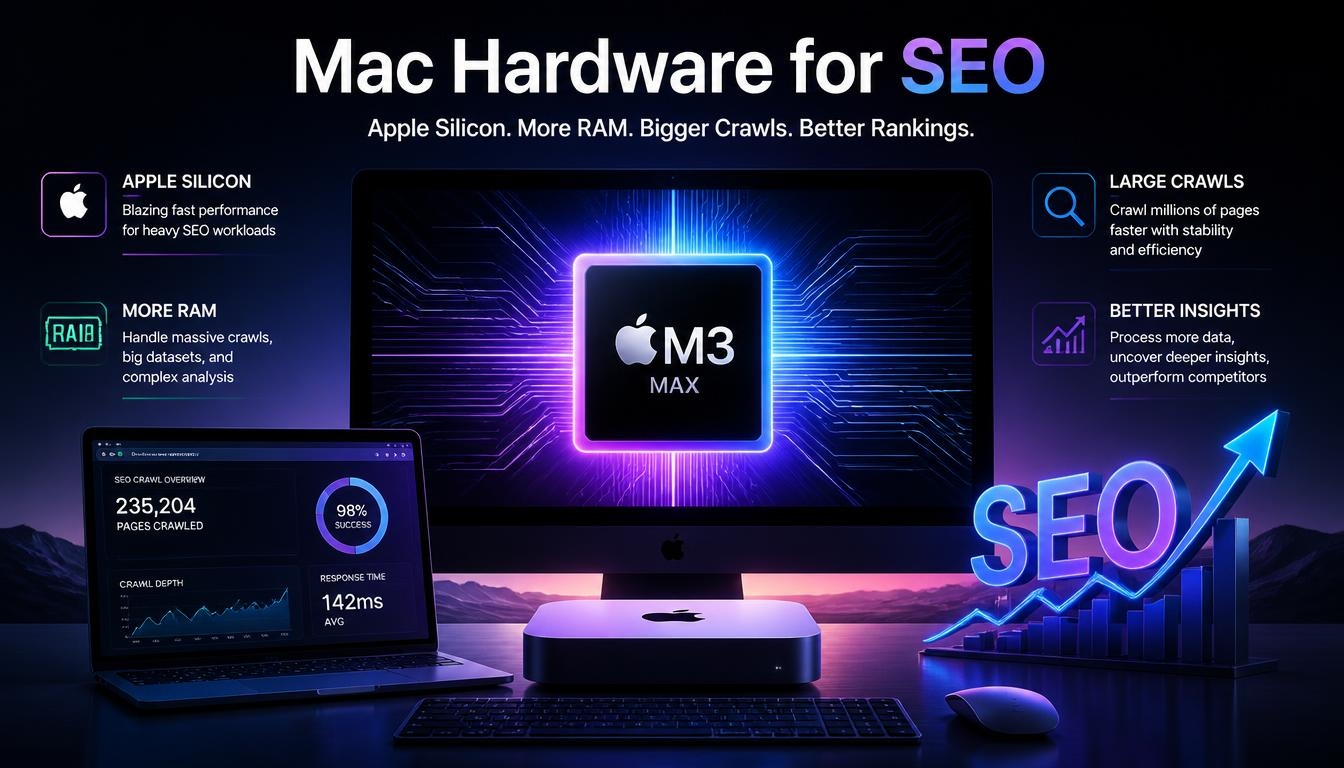
Most SEO software for Mac runs in a browser, so the vendor’s servers do the heavy work. Hardware only starts to matter once you crawl big sites on your own machine.
For that, Screaming Frog’s advice is straightforward. If you see a memory warning or want to run large crawls, use a machine with an SSD and database storage mode. In that mode, the SEO Spider saves crawl data to disk, which lets it crawl millions of URLs. To give you a rough idea, a machine with a 500GB SSD and 16GB of RAM should be able to crawl about 10 million URLs. Other crawlers have their own requirements. Sitebulb recommends 8GB of RAM, and for Netpeak Spider the recommended setup is an ARM processor, 16GB of free disk space and macOS 14 or later.
How to Choose the Right SEO Software for Mac
There’s no single “best” answer here. The right SEO software for Mac depends on who you are and how much work you’re juggling. This is how I’d match tools to people:
- Bloggers: Search Console, Bing Webmaster Tools, a WordPress SEO plugin, and a free Screaming Frog crawl now and then.
- Freelancers: the free stack plus one lower-cost suite, like SE Ranking or Mangools.
- Small agencies: one premium suite (Semrush or Ahrefs), a crawler (Screaming Frog or Sitebulb), Surfer for content, and BrightLocal for local clients.
- In-house marketers: one premium suite, plus Search Console and Google Analytics 4.
- Local businesses: Google Business Profile, BrightLocal or Whitespark, and a lightweight suite.
A Simple Mac SEO Stack That Covers Every Job
The easiest way to build a stack is to think about jobs, not tools. You need to see your data, audit your site, research keywords and competitors, and optimize your content. Give each job one tool and stop there: Search Console for data, Screaming Frog for crawls, one suite like Semrush, Ahrefs or SE Ranking for research, and Surfer or a WordPress SEO plugin for content.
Start with the free layer, and only upgrade when you really hit a wall, like needing competitor data, crawling a bigger site or wanting daily rank tracking. Doing it this way keeps your SEO software for Mac lean, affordable and free of overlapping subscriptions.
Common Mistakes to Avoid When Buying SEO Software
A few mistakes keep coming up when people buy SEO software for Mac, and each one costs money or time:
- Buying two all-in-one suites at once. Semrush and Ahrefs compete for the same jobs, so start with one and fill the gaps with free tools.
- Paying for a crawler too early. Screaming Frog’s free version is enough for a small site.
- Assuming you need Windows. Every tool in this guide runs in a browser or has a macOS version.
- Ignoring plan limits. Entry plans cap projects, keywords and seats, like Semrush Pro’s 5 projects or Ahrefs Starter’s single project.
- Skipping Search Console. It’s free and gives you data straight from Google.
Frequently Asked Questions
What is the best free SEO software for Mac?
Start with Google Search Console. It’s free and gives you first-party data straight from Google. Pair it with Screaming Frog’s free crawler, Ahrefs Free and Bing Webmaster Tools, and you’ve covered data, technical audits and backlinks without spending anything.
Does Screaming Frog work on a Mac?
Yes. Screaming Frog has a native macOS version with an Apple Silicon build. The free version crawls up to 500 URLs, and the paid license (£199 a year, about $279) removes that limit and unlocks the advanced features.
Do I need Mac-specific SEO software?
Mostly, no. Semrush, Ahrefs and SE Ranking are cloud-based and run in a browser, so most SEO software for Mac is simply browser software. The one exception is desktop crawlers. For those, make sure you install the macOS version.
Which SEO crawlers run natively on Apple Silicon?
Screaming Frog has a native Apple Silicon version, Integrity supports Apple Silicon, and Netpeak Spider runs on ARM-based Macs. Sitebulb needs macOS Sonoma or later. Browser-based tools run on the vendor’s servers, so your chip doesn’t affect them.
Do I need both Semrush and Ahrefs?
Usually not. Start with one main platform and fill the gaps with free tools like Ahrefs Free and Search Console. Add a second subscription only when your budget and client load really call for it.
What is the cheapest SEO suite for a Mac user?
Mangools Entry and Ahrefs Starter both start at $29 a month, although Ahrefs Starter is limited to one project and 100 keywords. Add the free Search Console and Screaming Frog, and you’ve got a low-cost setup.
Which SEO tool is easiest for beginners?
Mangools is a strong pick. Its intuitive interface lets you be productive on day one, and you can start on its free plans before paying anything.
Do I need Windows or Parallels for SEO on a Mac?
No. Every tool in this guide runs on macOS or in a browser. Parallels Desktop or a Windows VPS only makes sense for a specific Windows-only program you can’t replace.
What hardware do I need for SEO on a Mac?
For cloud tools, the vendor’s servers do the work. For big local crawls, Screaming Frog recommends an SSD with database storage mode, and a machine with a 500GB SSD and 16GB of RAM can crawl about 10 million URLs.
Do I need to pay for SEO software at all?
Not to get started. Begin with free tools, and pay only when you need deeper competitor data, bigger crawls, daily rank tracking or client reports.
Read More: https://linkneon.com/guest-posting-opportunities-healthcare-clinic/
Final Thoughts
Your Mac is not a problem for SEO. Not even a small one. The best SEO software for Mac is really a mix: a native crawler for technical audits, one cloud suite for research and tracking, and Google’s free tools as your source of truth. Start free, find out what your workflow truly needs, and add paid tools one at a time. And once your backlink tool shows you the link gaps between you and your competitors, LinkNeon can help you close them with quality guest post outreach.