


Choosing the best social media plugins for WordPress is one of the fastest ways to turn a quiet website into an active, connected one. Your WordPress site may already have beautiful pages, thoughtful posts, and a strong message, but people still need a bridge to discover it — and that bridge is almost always social media. A single share, comment, or follow can turn a quiet corner of the internet into a lively community, and that feeling is genuinely satisfying when it happens.
There was a time when bloggers simply published articles and hoped visitors would appear on their own. Those days are mostly gone. A smart social strategy helps websites create conversations instead of just collecting visitors, and the right social media plugins can connect your content with audiences on Instagram, Facebook, YouTube, and X without turning your workflow into a mess.
Modern social plugins aren’t just tiny icons at the bottom of a post anymore. They can display live feeds, encourage sharing, automate publishing, run giveaways, and even simplify visitor registration. In a world where attention disappears quickly, these tools give a website a louder, more human voice.
This guide explains exactly what the best social media plugins for WordPress in 2026 look like, and breaks down 10 reliable options covering feeds, sharing, growth, automation, login, and branding. Each section explains what a plugin does, who it’s best for, and how it fits into a real WordPress workflow — so you can pick the ones that actually solve your problem instead of installing everything you find.
| # | Plugin | Category | Best For |
| 1 | Smash Balloon | Social Feed | Instagram, Facebook, YouTube feeds |
| 2 | AddToAny | Sharing | Lightweight social sharing |
| 3 | Social Warfare | Sharing | Advanced share buttons |
| 4 | Shareaholic | Engagement | Sharing + content discovery |
| 5 | RafflePress | Giveaway | Contests and follower growth |
| 6 | Nextend Social Login | Social Login | Google/Facebook login |
| 7 | Revive Old Posts | Automation | Auto-sharing old content |
| 8 | Blog2Social | Automation | Multi-network scheduling |
| 9 | Simple Social Icons | Branding | Social profile links |
| 10 | Simple Author Box | Branding | Author profiles |
How to Choose the Right Social Media Plugin for WordPress
Before installing every shiny plugin you come across, it helps to understand what your website actually needs. A travel blog might need a stunning Instagram display, while an online store may care more about social proof and referral marketing. The “best” plugin depends on your goals, not just popularity.
A quality plugin should balance features with speed. A tool packed with endless options can hurt page load performance if it loads unnecessary scripts. The smarter choices focus on lazy loading, clean CSS, efficient JavaScript, and compatibility with caching plugins. Speed still matters, even in the social media age.
Look for plugins that support easy WordPress social media integration, work well with the Gutenberg block editor, and fit your existing theme. A good plugin should feel like a natural extension of your site, not an extra piece of software glued on top.
Before installing anything, ask:
- Does it support the networks your audience actually uses?
- Can it help with content distribution and audience growth?
- Does it offer customization without requiring coding skills?
- Does it protect website speed and SEO performance?
- Does it work smoothly with your dashboard, pages, posts, and widgets?
Top WordPress Social Media Plugins for Feeds and Visual Connections
Social feeds create a feeling that your website is alive. Visitors can see recent photos, videos, and community activity without leaving your pages — and people often trust real customer interaction more than polished advertising.
1. Smash Balloon – A Powerful Social Feed Embedder
Smash Balloon is one of the most recognized names for displaying social content on WordPress sites. It makes it simple to embed social feeds on WordPress from Instagram, Facebook, and YouTube without complicated technical steps. You can build an Instagram feed, a Facebook feed section, or showcase videos through a YouTube feed setup — all without touching code.
Useful features include:
- Multiple feed layouts
- Responsive design for mobile users
- Custom styling options
- SEO-friendly feed markup
- Feed caching for better performance
For businesses wanting stronger social proof, Smash Balloon creates that “people are really here” feeling — turning a static page into a small community window.
Best WordPress Plugins for Social Sharing and Engagement
Sharing is the heartbeat of online growth. A visitor clicking a share button might introduce your article or product to hundreds of new people. That small action is why a good social sharing plugin remains essential in 2026.
2. AddToAny – Simple and Lightweight Sharing
AddToAny has stayed popular because it keeps things straightforward. It supports a wide range of networks, including Facebook, LinkedIn, Pinterest, and WhatsApp, and is often considered one of the best free social media plugins for WordPress because it delivers useful sharing features without overwhelming beginners.
Key advantages:
- Lightweight share buttons
- Wide network support
- Easy installation
- Mobile-friendly layouts
- Analytics compatibility
If you want a lightweight social sharing plugin that won’t slow your site down, this is a practical, low-friction choice.
3. Social Warfare – Smart, Strategic Sharing
Social Warfare is built for websites that want attractive, strategic sharing options rather than generic buttons. It offers customizable designs, share counts, and control over how content appears once shared.
Features include:
- Floating and inline share buttons
- Share count displays
- Image optimization for Pinterest
- Better X (Twitter) sharing appearance
For bloggers focused on organic reach, Social Warfare becomes part of a larger content promotion plan, turning readers into promoters almost automatically.
4. Shareaholic – Engagement Beyond Sharing
Shareaholic combines social sharing with broader engagement tools designed to improve content discovery. Instead of just adding buttons, it encourages visitors to explore more of your site through related-content recommendations and sharing prompts together.
This plugin fits sites focused on increasing time-on-page and building a stronger overall online presence — a good reminder that growth isn’t only about one viral post, but about keeping people around a little longer once they arrive.
Social Media Plugins for WordPress Growth and Community Building
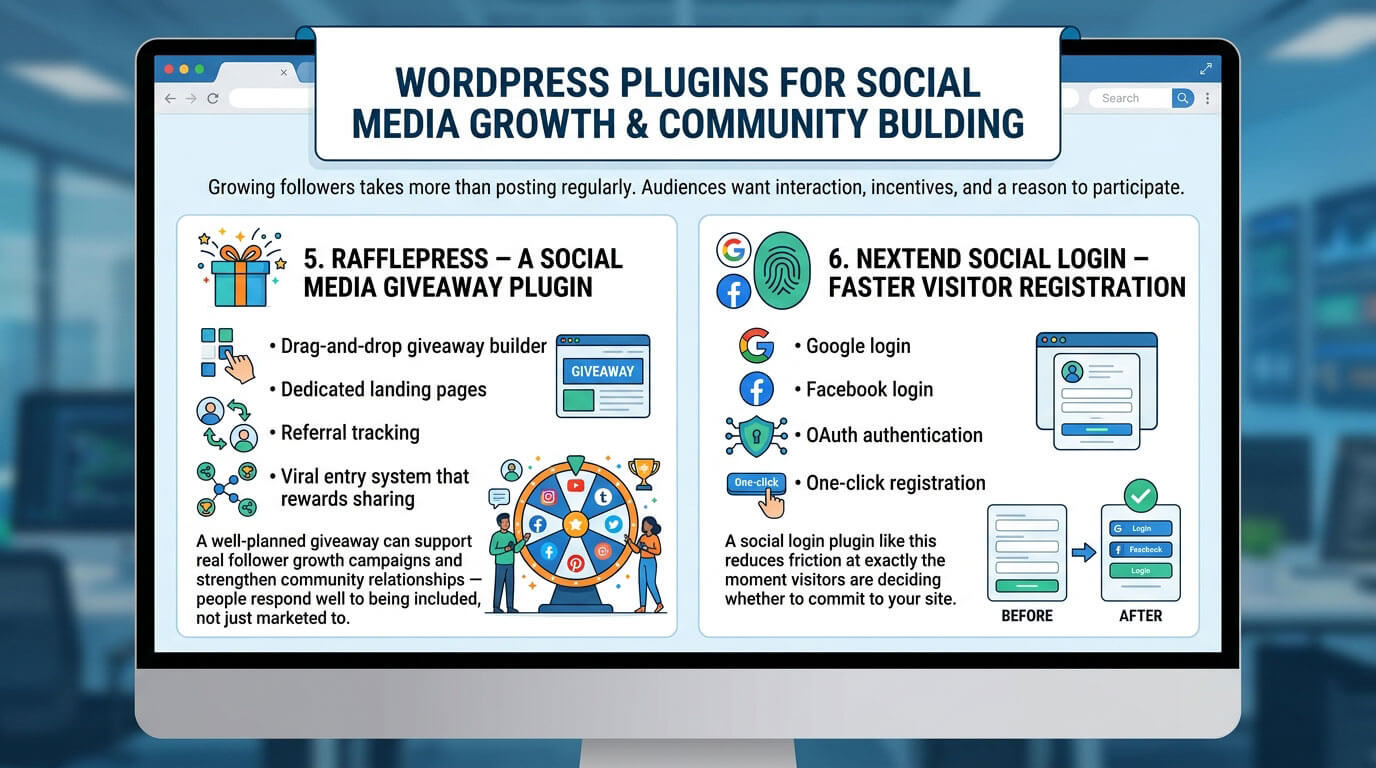
Growing followers takes more than posting regularly. Audiences want interaction, incentives, and a reason to participate — which is exactly where growth-focused plugins earn their place.
5. RafflePress – A Social Media Giveaway Plugin
RafflePress is built specifically for running contests and giveaways. It helps websites create campaigns around referral actions, social follows, and email signups, turning casual visitors into engaged participants.
Important features include:
- Drag-and-drop giveaway builder
- Dedicated landing pages
- Referral tracking
- Viral entry system that rewards sharing
A well-planned giveaway can support real follower growth campaigns and strengthen community relationships — people respond well to being included, not just marketed to.
6. Nextend Social Login – Faster Visitor Registration
Nextend makes it easier for visitors to register through their existing social accounts. A long, complicated sign-up form can quietly scare people away, while a simple login option often improves conversions without any other changes.
It supports:
- Google login
- Facebook login
- OAuth authentication
- One-click registration
A social login plugin like this reduces friction at exactly the moment visitors are deciding whether to commit to your site.
Social Media Automation Plugins for WordPress and Content Scheduling
Creating content is only half the work — sharing it consistently is where many site owners struggle. Automation tools keep a site visible without requiring someone to manually post every single day.
7. Revive Old Posts – Evergreen Content Sharing
Revive Old Posts automatically shares older articles back out to your social channels. This matters because genuinely useful content shouldn’t disappear the moment it’s no longer “new.”
It supports:
- Evergreen content sharing
- Automated posting on a schedule
- Traffic recovery for older pages
- Custom scheduling intervals
Older articles can keep bringing in visitors long after publication, and sometimes those forgotten posts quietly become the surprise favorites of your entire site.
8. Blog2Social – Multi-Network Posting
Blog2Social supports automatic sharing across several platforms at once, creating a smoother social media automation workflow for anyone managing more than one channel.
Features include:
- Content scheduling
- Network-specific captions
- A visual publishing calendar
- Multi-network posting from a single dashboard
For creators juggling Instagram, Facebook, and X simultaneously, this kind of tool turns a scattered process into one manageable routine.
WordPress Social Media Plugins for Branding and Social Identity
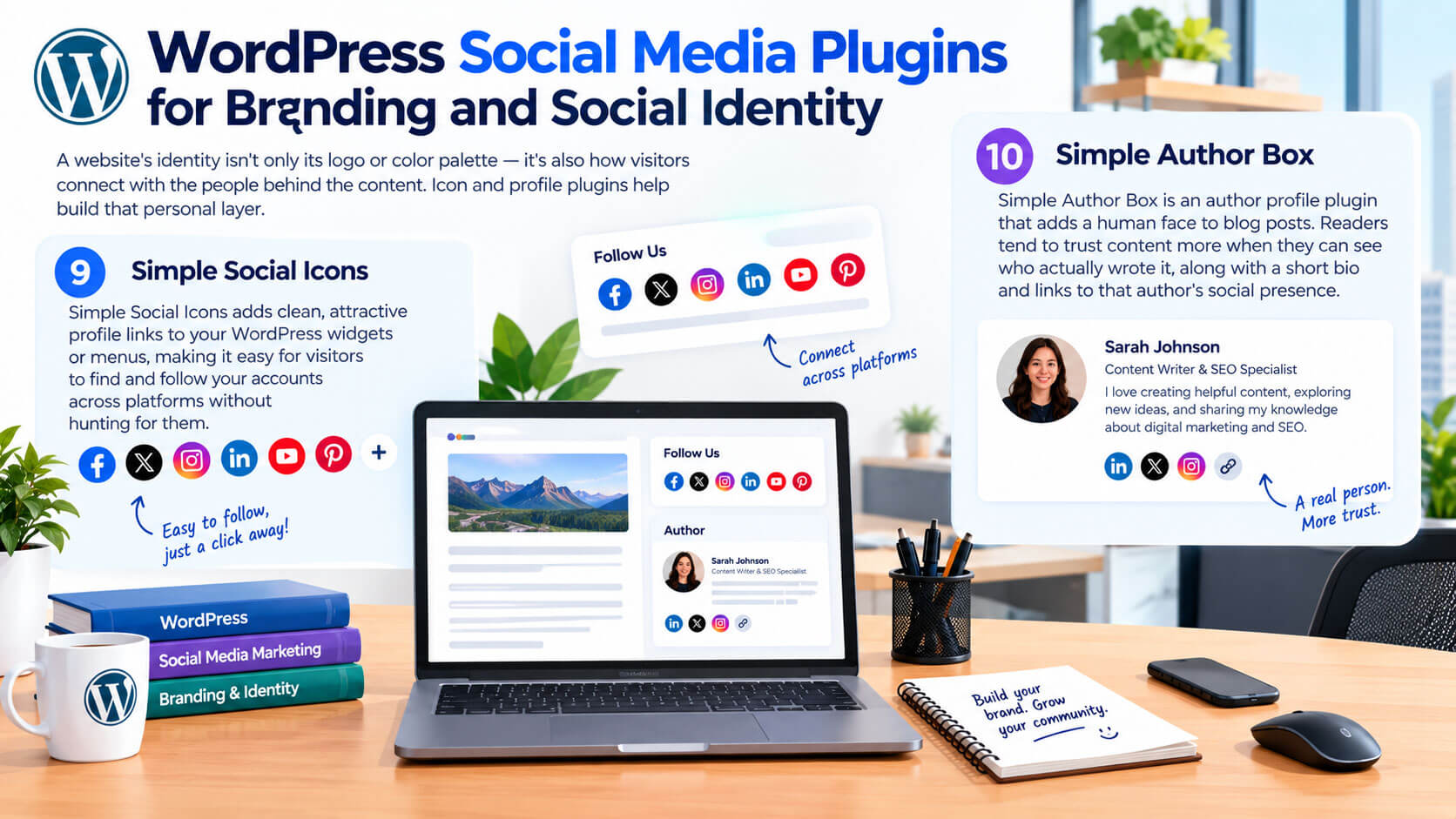
A website’s identity isn’t only its logo or color palette — it’s also how visitors connect with the people behind the content. Icon and profile plugins help build that personal layer.
9. Simple Social Icons
Simple Social Icons adds clean, attractive profile links to your WordPress widgets or menus, making it easy for visitors to find and follow your accounts across platforms without hunting for them.
10. Simple Author Box
Simple Author Box is an author profile plugin that adds a human face to blog posts. Readers tend to trust content more when they can see who actually wrote it, along with a short bio and links to that author’s social presence.
Do Social Media Plugins Slow Down a WordPress Website?
A common question is: “Do social plugins slow WordPress down?” The honest answer is sometimes, but not always. Poorly optimized plugins can increase page weight through extra scripts, heavy images, and unnecessary external requests.
To protect performance while still using these tools:
- Choose plugins known for efficient code
- Pair them with a good caching solution
- Enable lazy loading wherever it’s offered
- Avoid stacking multiple feed or sharing plugins at once
- Keep an eye on your site speed reports after installing anything new
Modern plugins increasingly use API-based rendering and optimized loading methods, which means a careful setup can deliver strong social features without quietly sabotaging your website performance.
How to Select the Right Social Media Plugin for Your WordPress Site
There’s no universal winner here, because every website has different goals. A photographer may lean toward a feed plugin, while a business coach may need automation and login tools more than anything visual.
A simple way to decide:
- Want more shares? Choose a strong sharing plugin.
- Want visual proof? Pick a feed embedder like Smash Balloon.
- Want more followers? Explore giveaways like RafflePress.
- Want less manual work? Lean on automation tools like Blog2Social.
- Want stronger branding? Add profile and icon plugins.
The best plugin is the one that solves your actual problem — not the one with the longest feature list or the flashiest marketing page.
Frequently Asked Questions
What is the best social media plugin for WordPress? It depends on your goal. Smash Balloon is strong for visual feeds, AddToAny for lightweight sharing, and RafflePress for follower growth through giveaways. Most sites benefit from combining two or three rather than relying on just one.
Are free social media plugins good enough for small sites? Yes, for most small to mid-sized sites. Free versions of AddToAny, Simple Social Icons, and similar tools cover the essentials well. Paid upgrades typically add deeper customization and analytics, which matter more once traffic scales up.
Do I need a social login plugin on WordPress? Not always, but it helps if your site relies on user registration, comments, or membership features. Reducing sign-up friction with a tool like Nextend Social Login often improves conversion rates noticeably.
How many social media plugins should a website use? Fewer than you’d think. Stacking too many plugins that all touch social features can slow your site down and create conflicts. Most websites do well with one feed plugin, one sharing plugin, and maybe one automation tool.
Can social media plugins hurt my WordPress SEO? Only if they’re poorly built or overused. Heavy, unoptimized plugins can slow page speed, which does affect rankings indirectly. Choosing well-coded plugins and monitoring your site speed keeps this risk low.
Read More: https://linkneon.com/improve-seo-wordpress-website/
Final Thoughts: Building Better Connections Through Social Plugins
The future of websites isn’t only about publishing information — it’s about creating relationships. The right social media plugin can help turn a website into a place where conversations happen, communities grow, and visitors feel genuinely connected rather than just marketed to.
From Smash Balloon and RafflePress to sharing tools and automation platforms, the options available in 2026 are more capable than ever. These 10 plugins cover the full range — visual proof, sharing, growth, automation, and branding — so you can build a setup that fits your site instead of copying someone else’s.
When choosing your tools, think about your audience first. Ask what would make their experience easier, warmer, and more worth returning to. A website should feel less like a billboard and more like a welcoming room people actually want to stay in.